
What NordicVeil Can Do for You.
Shape your screen to match the task at hand. Arrange blocks, apply themes and filters, and attach commands to create reusable Scenes.
Scenes
-
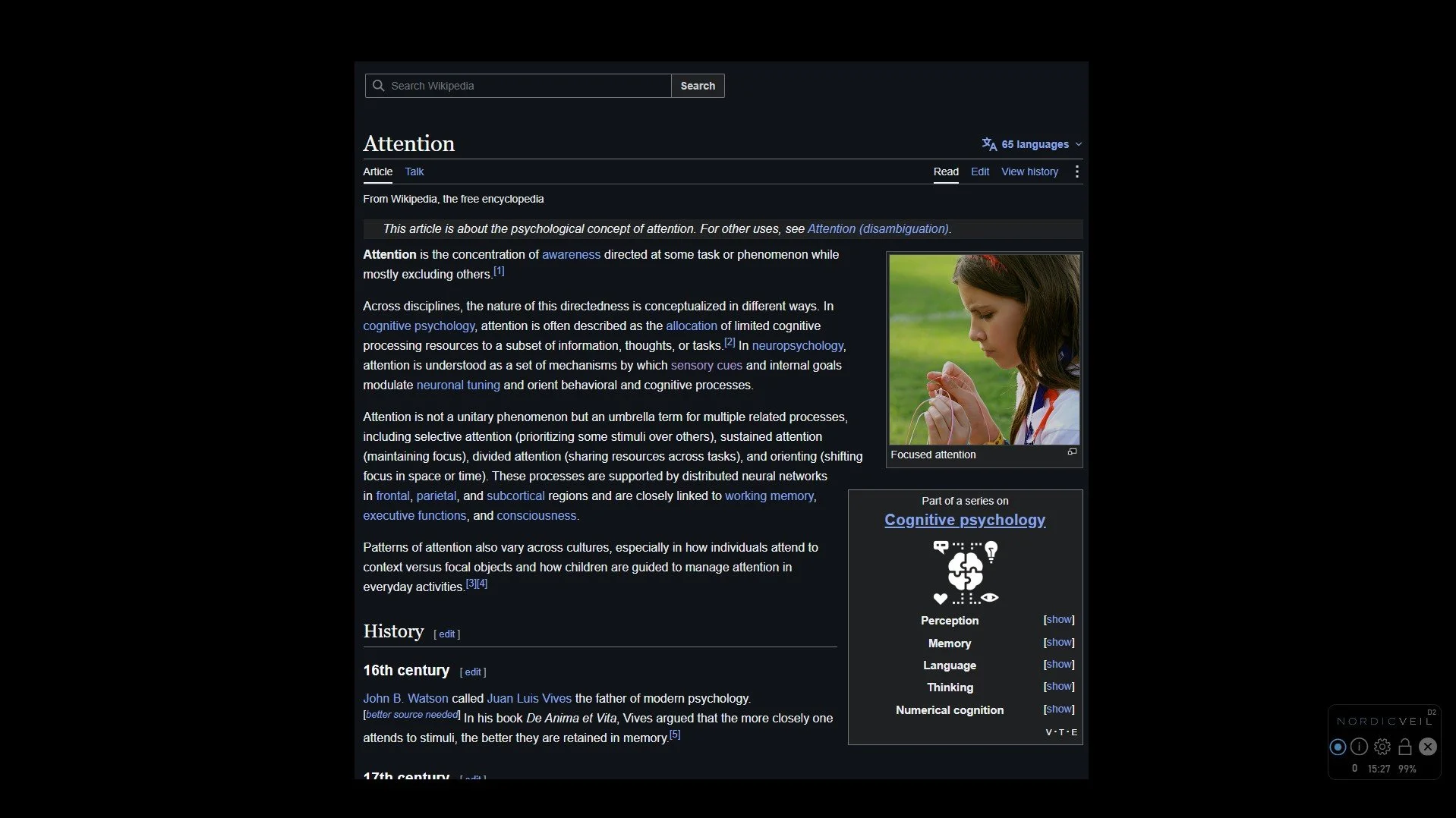
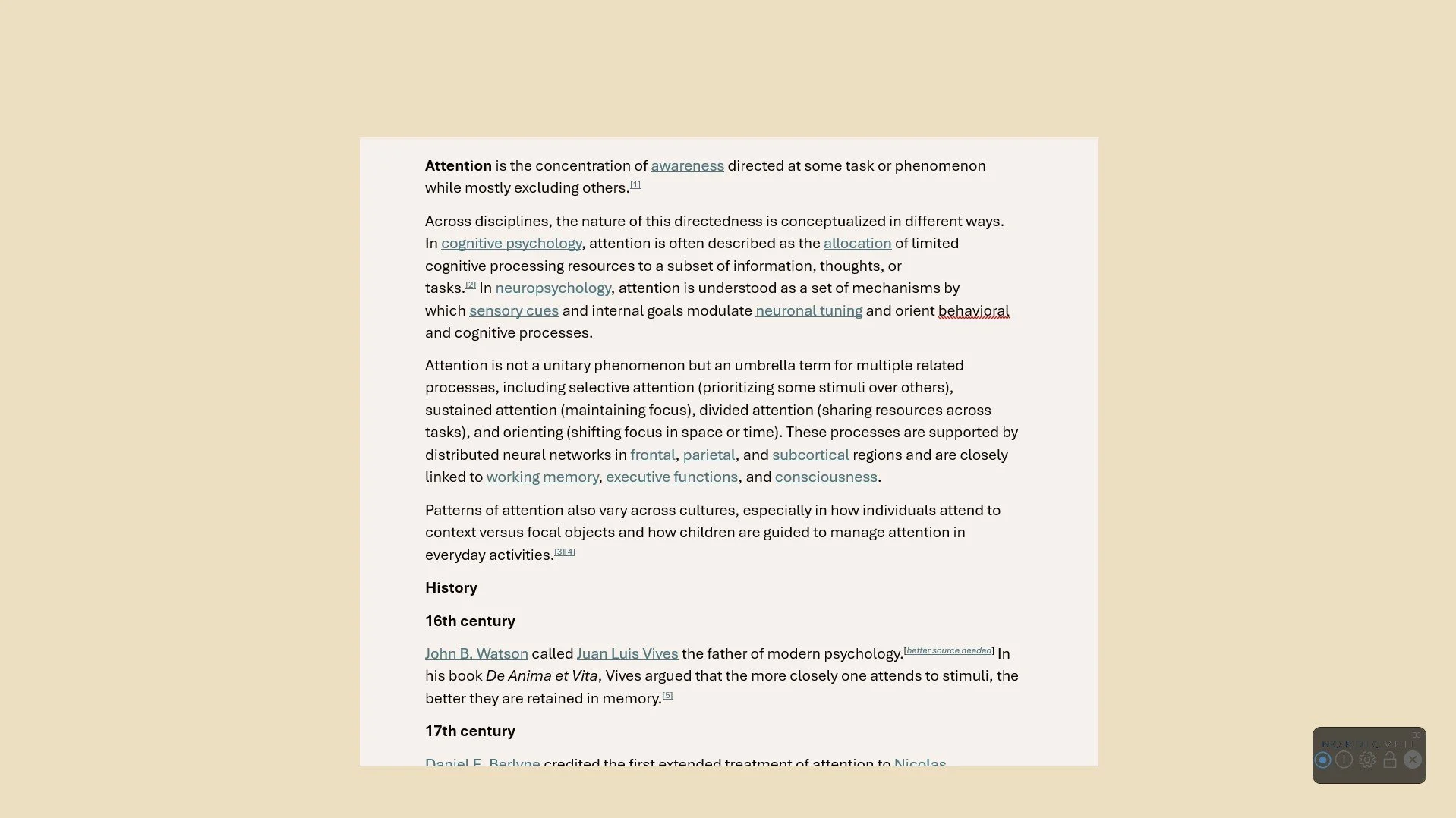
Arrange opaque or transparent blocks anywhere on the screen to hide distracting content and reduce visual stimulation.
-
Choose from multiple visual themes with color palettes inspired by Nordic landscapes and lighting conditions.
-
Reduce brightness or adjust the color tone of your screen for greater visual comfort.
-
Add websites, file or folder paths, or Windows commands to a scene. Launch them manually or let NordicVeil automatically activate the scene when they're used.
Launch your entire workspace with a single command. Open the right applications, apply multiple Scenes, and begin a focus timer with your session intention.
Workspaces
-
Apply multiple Scenes instantly to recreate the ideal visual environment for your session workflow.
-
Start a focus timer automatically and optionally display a session intention to keep your goal in view.
-
Launch your favorite workspaces instantly with a simple command.
Let NordicVeil adapt to your workflow. Automatically activate the right Scene when you open an application or website, or launch Scenes and Workspaces instantly with a single command.
Automation
-
Let NordicVeil automatically switch to the right scene based on what you're working with.
-
Launch a scene instantly with a single command.
-
Launch multiple scenes together with a single command for complete workspace setups.
Cover everything except a comfortable area around the mouse pointer to help you focus on one thing at a time.
Flashlight
Give each monitor its own independent scene and theme.
Multi-Monitor Support
Quick-Actions
Useful tools that are always within reach to help you stay focused without interrupting your workflow.
Full Cover - Instantly cover the entire screen with a single shortcut.
Hide Overlay - For moments when you need to see the entire screen.
Quick-Notes - Quickly capture thoughts without leaving your workflow. Designed for moments when an idea appears during focused work.
Focus Timer with Intention - Stay focused on the intention of your current session while keeping track of time.
Convenience
Thoughtful features that make NordicVeil easier and more comfortable to use every day.
Keyboard-First Workflow - Perform most actions without navigating menus or toolbars to stay focused on your work.
Export & Import - Move your setup between computers or share with others.
Clock & Battery - Keep the current time and battery level visible without uncovering your taskbar.
Automation lock - Temporarily prevent automatic scene switching when you want to stay in control.